I have not been looking at polls, because I don’t want to drive myself crazy, but I am really nervous about voter turnout for next week’s midterm election. I have a vague dread that Democrats will, once again, not vote in large enough numbers to help un-f*** this country.
Halloween with the wife and kids was fun. It was unusually warm and we didn’t have many trick-or-treaters in our neighborhood this year.
This article, about an actor’s family finding an apartment as they move to NYC, is kind of depressing. It’s unreasonably expensive to live in the city. If I were in his position, I would probably try to live outside the city a little ways.
Oh, now Lana Del Ray and Jack Antonoff are on stage. This is the best Apple event in many years.
Is anyone else hearing the distorted Halloween echo whenever Tim Cook is speaking at the Apple iPad Pro event?
🎵 How have I never listened to “The Last Waltz” before? I guess because I thought it would be sad to listen to the last concert by a band (The Band) I loved. It isn’t sad at all.
Both my kids fell in love with the book, song, and music video (!) for Chicka Chicka Boom Boom this month. It’s cute, but a little weird.
Fall
🎵 I do not listen to nearly enough Neko Case. For the first time in forever, I just spun up her 2002 album, Blacklisted, with its electric lead track: “Things that Scare Me”.
🎵 I’m trying to listen to the Original Broadway Cast recording of “Pretty Woman: the Musical” and it is hard to get through. So boring, so trite. The cast is good, though. Andy Karl, in particular, needs to find a role in a show not based on a movie for a change.
Now that the World Series is over, maybe I can watch less TV and do more exercise again in the evenings.
⚾️ What a Series! I’m really going to miss baseball this winter.
I really enjoyed reading John Gruber’s iPhone XR review this morning. I am thinking of waiting for the initial buying rush to wear off, and taking my wife to the store to buy her one.
A new Chromebook
I just ordered a new Chromebook for my daughter, based on Wirecutter’s recommendation. It was a lot more expensive than I thought Chromebooks sold for, but I bought a decently-speced one for the battery life, screen, and RAM.
I’m not sure what to expect when I have to set it up. I am not even sure what a Chromebook is anymore, now that ChromeOS runs Android apps. I was an owner/user of the original Cr-48 (the prototype Chromebook from Google). I loved CromeOS when it was just a browser, but Google started to loose me when they adding windowing. Now that the Play Store is available, it just feels like another Windows-type platform. I would prefer the “just a browser” version I had before. Perhaps I will soon learn, once the Chromebook arrives, that it still can be run that way. I have been away from it for too long at this point to know.
🎵 Norah Jones has a new single out, which she wrote with Jeff Tweedy (who plays guitar on the track): A Song with No Name. It is bare, stark, and simple, like an old, sad country ballad.
“How is The Good Place so Good?" This is relevant to my interests.
Wondering if the AnyList Apple Watch app is any good now
I’m debating whether I should pay for AnyList Pro again, just to use the Apple Watch app. I paid for a year a while back, and the Apple Watch app did not work very well. It kept crashing or getting killed, and would not stay in sync with my iPhone. None of the other paid features are interesting to me. I like the rest of the app’s features, though, and I’m getting the new Apple Watch in about a month, so maybe it will work this time. 🤷🏼♂️
⚾️ 106 wins for the Red Sox! That’s a franchise record. I can’t believe it, at least compared to how they ended last season.
⚾️ The last two Red Sox/Indians games felt like playoff baseball: close games, extra innings, nail-biting situations at the mound, etc. As a Red Sox fan, I hope my team can win a series against a team as good as the Indians (or, more importantly, the Yankees). Over the past week, I have been reminded of their actual playoff appearances the past two years, in which they lost in the divisional series.
SwiftoDo Development Notes, September 2018
Files integration
In late August I released a version of SwiftoDo that added sync support for any cloud data provider, via integration with the Files app. I think that this integration can be improved in the future. For example, right now, you cannot create a todo.txt file in the Files app using SwiftoDo, and you cannot open an existing todo.txt from the Files app.If I add those features, I may as well rewrite the app’s UI, so that you have to create or open a file upon SwiftoDo’s launch. I would also have to rewrite how preferences are stored, so users could define different preferences for different files they open.
Those changes would, I think, necessitate dropping the offline support features that currently exist—namely manual sync mode, and the failsafes in place for when automatic sync fails (typically due to network unavailability). I am actually not sure how other document-based apps on iOS handle things when network connectivity is lost or unavailable. I would assume they simply cannot work without a constant network connection, because they cannot access their file, but I am not sure.
I do know that a task list is not a typical document-based app, like a text editor. Users typically want it to be always available, rather than dependent on a constantly-available network connection. Because I would rather not remove offline features from my app, and because I currently have very little time for app development, I do not plan any big changes to the app related to Files integration in the near future. When they do happen, I would expect that the UI of the app would be changed pretty significantly.
iOS 12 Support for SwiftoDo
The current version of SwiftoDo runs on iOS 12 without incident. I have, however, compiled a new version of SwiftoDo on the iOS 12 SDK. It has no new features, but the SDK is newer, so it inherits upstream bug fixes from Apple, and I updated my codebase to Swift 4.2. I am dropping support for iOS 10.x, too, because iOS 12 will be released imminently, and it honestly makes no sense for anyone with an iOS device from the past four years or so not to upgrade to it (iOS 12 performance is that good). Because of the under-the-hood changes, and the dropped compatibility with iOS 10, I am bumping the version number to 3.0.0. (Don’t get too excited!)macOS Mojave Support for SwiftoDo Desktop
I am running the MacOS Mojave beta, and have been testing out its new dark mode. I love dark mode, and it took me about two seconds to realize that dark mode support is not a nice-to-have—it is an absolute necessity. Therefore, have coded support for it in a new build of SwiftoDo Desktop. I will submit it to the App Store soon.The next version of SwiftoDo Desktop will be compiled on the macOS 10.4 SDK, and will no longer support macOS versions lower than that. (If you are not going to upgrade to Mojave, you can continue to use the version of SwiftDo Desktop you are currently using, of course.)
Other than dark mode support, there are no new features. (Sorry!) Because of the under-the-hood changes, and the change in minimum system requirements, I am bumping the version number to 3.0.0, though. (Again, don’t get too excited, but be happy your app is being supported.)
The future of SwiftoDo Desktop
It is a weird coincidence that SwiftoDo and SwiftoDo Desktop will be on the same version number for a while, but it is only a coincidence. At present, they do not share any underlying code.My long term plan is for SwiftoDo to resemble, and share tons of code with, the iPad version of SwiftoDo. The approach I would prefer to take would be to use the joint iOS/macOS framework that Apple said is coming next year. I will probably continue work on improving the iOS version’s codebase in preparation for eventual macOS support as well.
I am not sure if every user will want the iOS version on the desktop, but I know that I would. I have considered releasing the next-generation version, whenever it is ready, under a new name (SwiftoDo Desktop 2, maybe) and SKU, so owners of the current SwiftoDo Desktop could continue to use it until it no longer functions on macOS. I have not decided exactly what I will do just yet.
I do not expect that anyone outside Apple will learn anything about Apple’s new framework until WWDC 2019, which will be held in June. What I learn at that time will have significant impact on the direction in which I take SwiftoDo Desktop.
📺 I think I need to re-watch “The Good Place”. (It’s available on Netflix.) And, hey, there’s a behind-the-scenes podcast for the show, too!
🎵 Today’s listen: Fine Young Cannibals' The Raw and the Cooked on my V-Moda Crossfade 2 🎧.
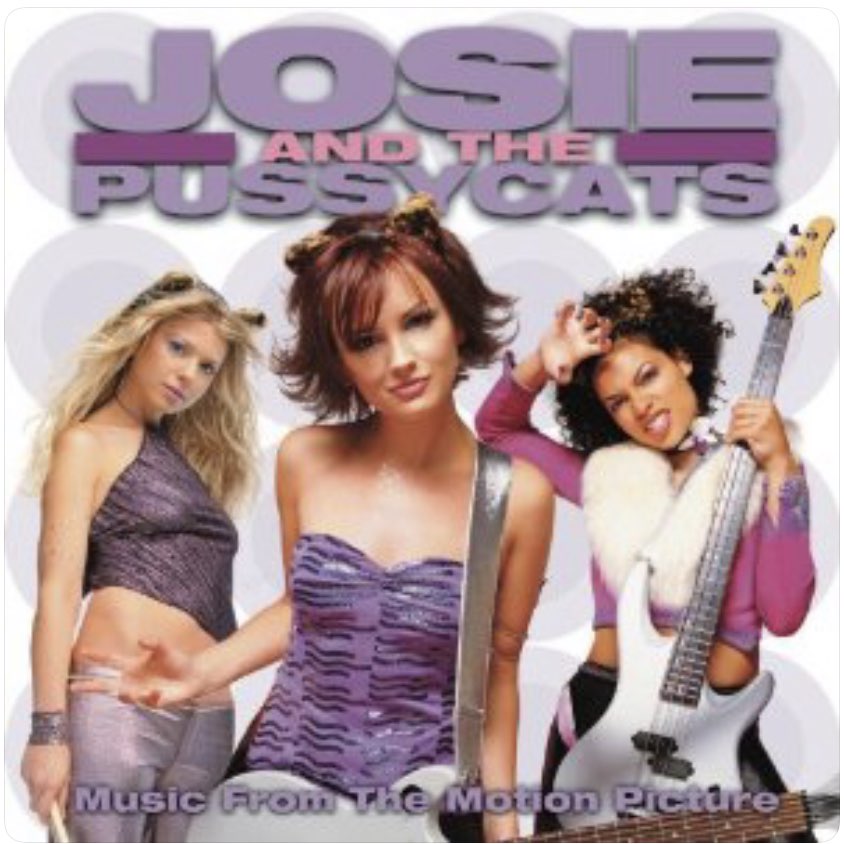
🎵 I don’t always listen to “Josie and the Pussycats” but when I do, it’s Kay Hanley singing.
A sunflower in the backyard. My daughter loves these, but we don’t admire them often enough.

🎮 Transistor
I finished the game Transistor last night. I played it on my iPad Pro with a MFi controller.
It was a fun game with a great atmosphere (setting, sound design, visual design, etc.) but the story was a bit too opaque for my taste. You had to dig into the user interface and read a bunch of optional stuff to get a better idea of what is going on ints its disintegrating cyberpunk world.
It ended kind of abruptly and had a tragic ending, which is unusual, but maybe not for the game studio. Their prior game, Bastion, also had kind of a downer ending.
I’m not sure if I will do a replay of Transister, but I’m happy that I played it.